Incredible portraits.
Shot by anyone.
Catchlight is a camera app for iPhone and iPad that directs your portrait, pose by pose. Built by some of the best portrait photographers in the world.
The camera doesn't make a great portrait. Direction does. Where to stand. What to do with your hands. The line that makes someone laugh a second before the shutter. Pros spend years learning it. You have an iPhone as good as a pro camera, and no one to direct you.
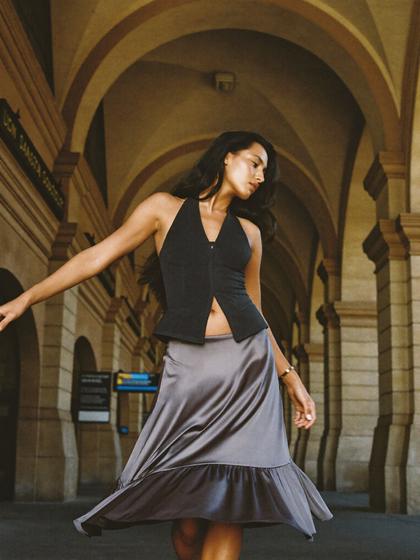
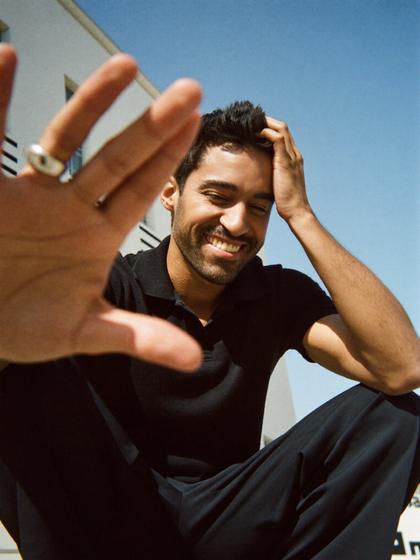
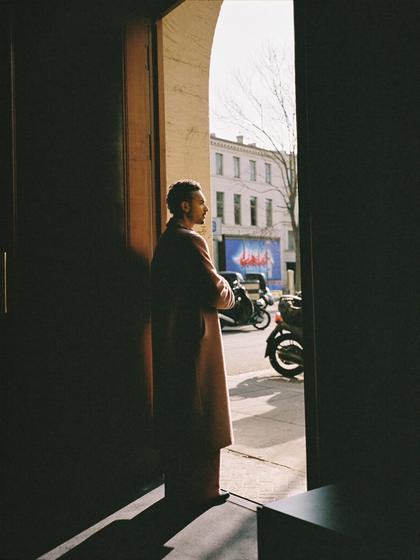
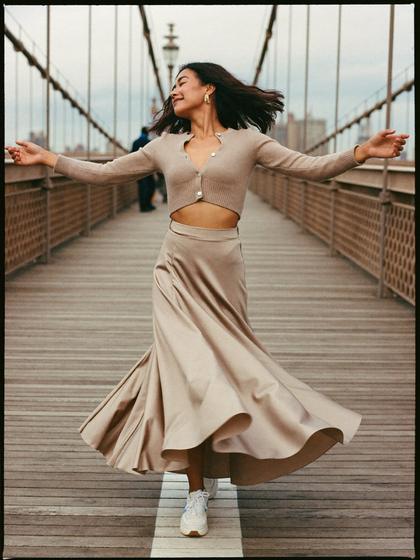
Catchlight puts a director in your iPhone.
Built from the craft of some of the best portrait photographers on the planet.

Reads your joints.
Nineteen joints, live. Catchlight lights the one part to move and says it in plain words: one direction at a time, then it waits for you to land it.

A head scan, like Face ID.
Follow the light. A soft point of light drifts round your face and you turn to follow it, until a catchlight lands in each eye. Then your own head, drawn in three fine lines, shows you which way to turn.


Finds the best spot in any room.
Scan the room before you shoot and Catchlight draws a floor plan of the walls, the windows and the furniture, picks the spot your pose wants, by the window light, against a plain wall or on a seat, and marks the floor where to stand. Without LiDAR, a photo of the room does the job. Then it directs you from there.

Reads expressions.
Every pose ends with a line that gets a real reaction. Catchlight shoots a burst and scores each take.
Who's always late in your life?Pillar push
What's a secret you'll never tell me?Hand to the jaw
Want to hear the worst joke I know?Laugh, close
Who's the last person who made you laugh?Chin on the shoulder
82 poses × 4 setups.
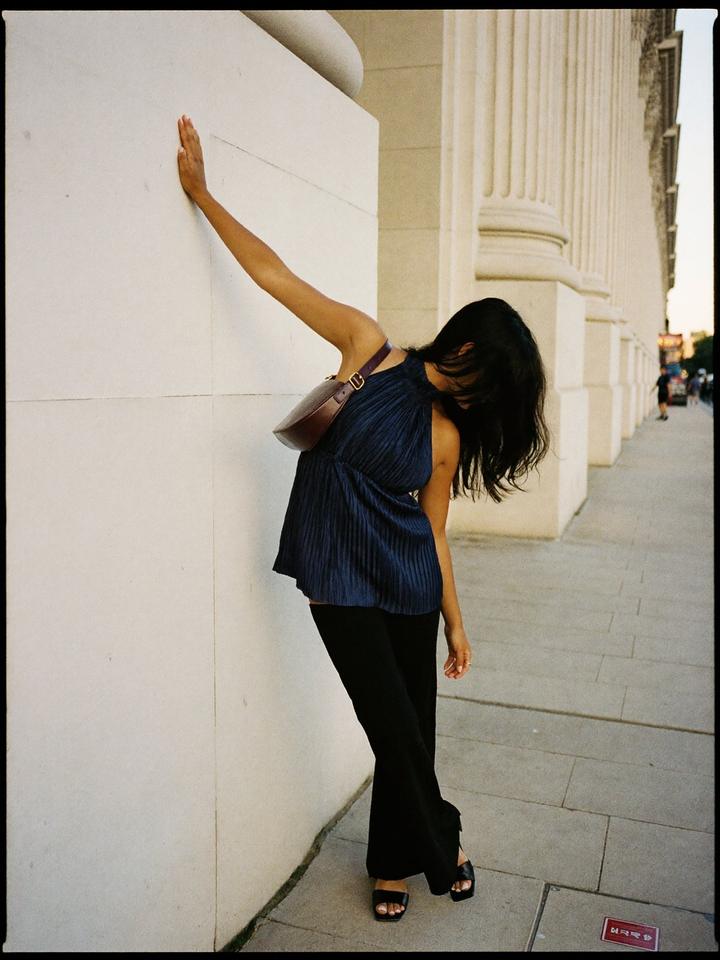
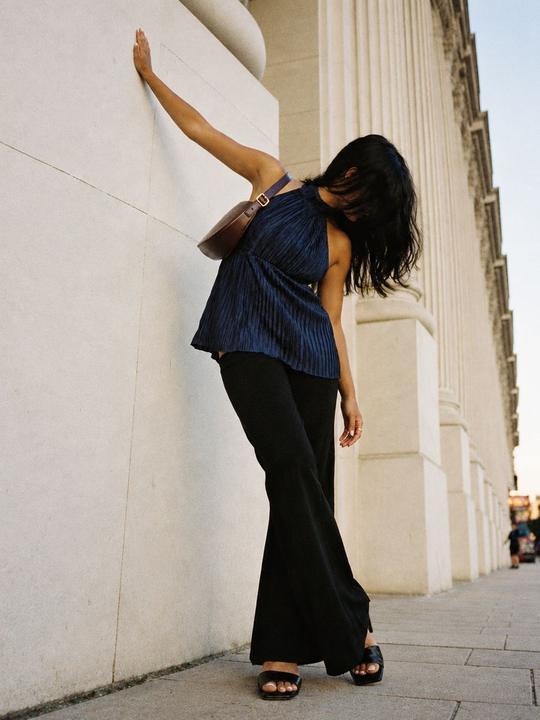
Shot in cities around the world, with a woman and a man for every solo pose. 30 free poses across the world's cities, half indoors, with Couples and Friends among them. Every setup has its own script.
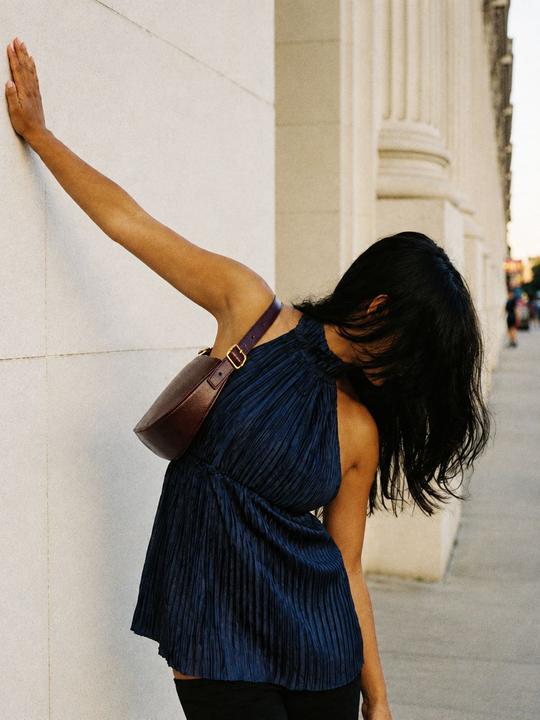
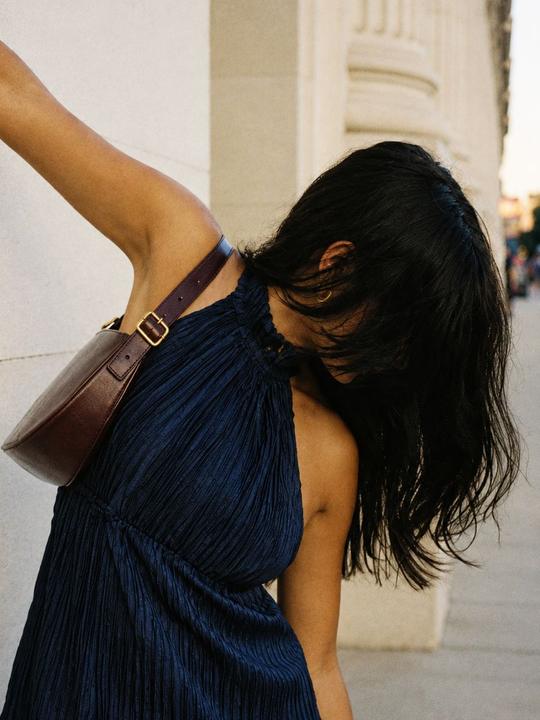
Pose of the week leads the wall. Swipe a pose for its four angles, save the poses you love, and pull any pose apart: a mood board of what to wear, the body, the face, and the words to say. Scroll down for more like this.
The director, in your AirPods.
say shoot
Say “shoot” and Catchlight counts you in, 3-2-1, then fires a burst. With AirPods in, only you hear it.
You don't have to be a pro to shoot portraits.
You hold the iPhone. The line lands on screen, or in your ear.
You don't need a pro to shoot portraits of you.
Prop your iPhone up and step back. Catchlight directs you.
You press the shutter, or you say the word. Nothing fires by itself.
Made to keep you shooting.
Small things, so the shoot never stops for the app.
Swipe the line.
Swipe the direction line to go back a step, or on to the next. A light tap tells you it moved.
Four camera positions.
A strip of glass under the frame, like the modes in the Camera app: where you are, what's next, and a dot on the ones you've shot.
The pose, at a glance.
At each new pose the reference picture grows for a moment so you can read it, then shrinks back into its corner.
Starts in the camera.
Setup happens inside the live camera, built from what your iPhone has: a face step if it has Face ID, a room step if it has LiDAR.
Leave, and come back.
Leave mid-shoot and a Live Activity keeps your place on the Lock Screen, with the Catchlight icon. One tap and you're back where you were.
iPhone and iPad.
On iPad, Catchlight works in every orientation, with the same 3:4 frame you'd see on iPhone.

Our Portrait Mode.
Depth with every photo. Choose the aperture after the shot, and tap to move the focus.

Eight film looks.
Each look is a whole film recipe: rich contrast, its own white balance, a soft colour cast in the shadows and the highlights, and real grain. Skin is held apart, so it stays true and never turns orange. One tap gives you the whole finish: colour, skin smoothing, a soft glow, background blur and grain, all on one slider that sets its strength. Then set the colour yourself, with temperature and tint laid over the look.
A pro editor, built in.
Everything a portrait photographer does to a keeper, on your iPhone or iPad. The photo stays the hero; the tools slide up over it.
The photo is the hero
The photo fills the screen, edge to edge. Tap a tool and its panel slides up over the photo like a sheet of glass, so every change shows live behind it. Pinch to zoom; hold to see the original.
Custom Portrait Mode
Depth captured with every photo. Choose the aperture after the shot, from f/1.4 to f/16, and tap to move the focus.
Intelligent skin smoothing
Softens only the skin, guided by Apple's skin matte. Eyes, brows, lips and hair stay sharp. One slider both ways from natural: smooth to the right, texture to the left, which brings out the fine detail in skin and clothes.
Film grain
Grain the way film has it: sized to the picture, strongest in the midtones, from a fine ISO 100 to a gritty ISO 3200. Each look brings its own, and it never lifts the blacks.
Curves you can feel
Drag a point and the photo follows while you drag. A tone curve that deepens colour the way film does, or a luminance curve that changes only the light and leaves colour alone.
Eyes
Tap a face and one slider brightens the eyes: the colour of the iris, the whites, the lashes. Catchlight lifts the one that's there, or adds a matched pair from where the light comes.
Crop and straighten
3:4 as you shot it, 4:5 for the feed, square, or a 9:16 story. Straighten with a dial, or tap Auto to level the horizon.
Your photos, your way
Every edit is saved as an ordinary Photos edit. Your original is always kept, and you can undo any look, any time, right in the Photos app.
Designed and built by some of the best portrait photographers on the planet.
Designed by Joshua Karthik, from Stories by Joseph Radhik, a global studio that works with the biggest names in entertainment. Catchlight is distilled intelligence from expertise gained over 700+ shoots in 41 countries around the world.
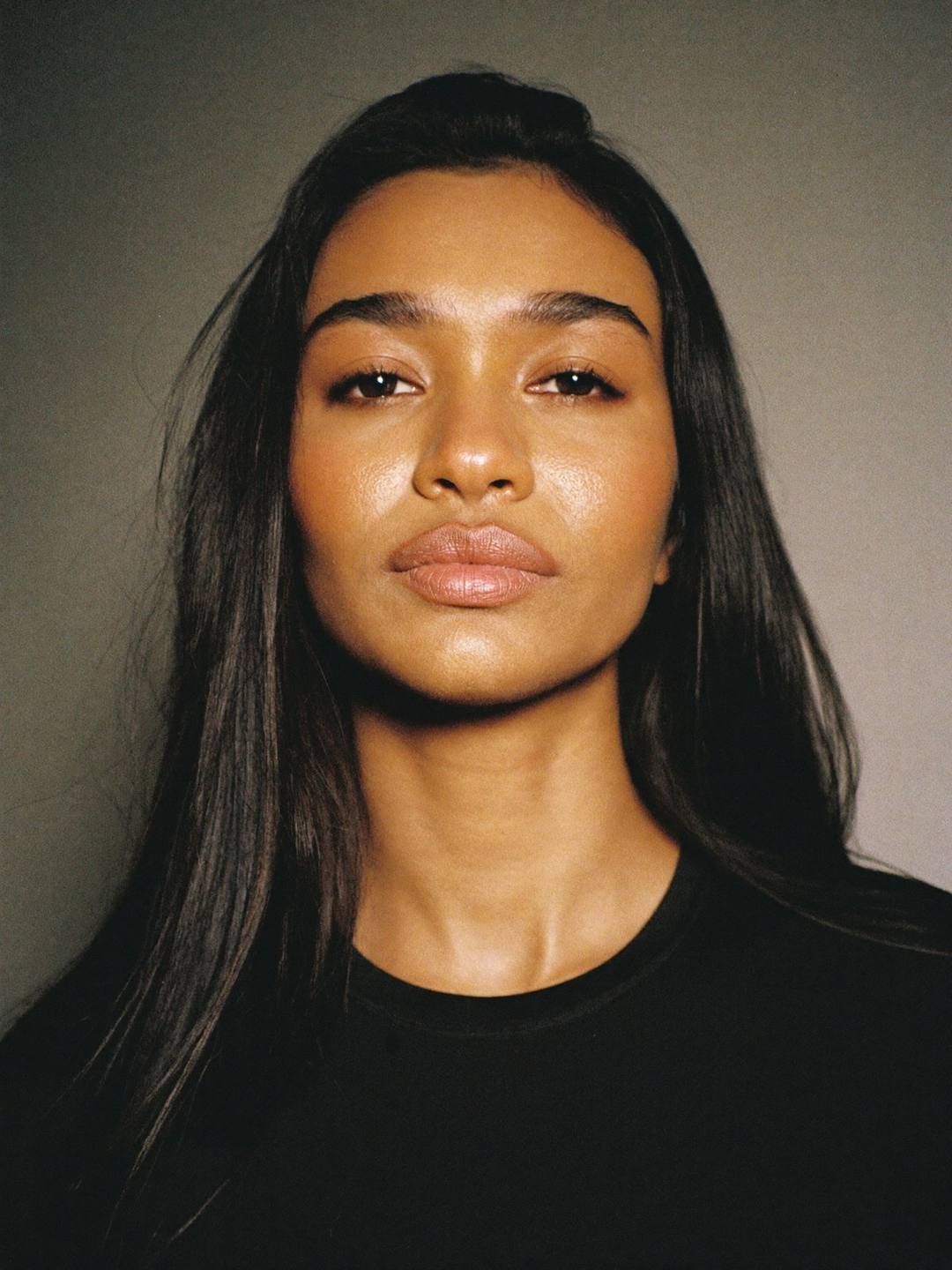
Built by pro photographers to give you the best posed photos ever. For you, or for your friends.
Built from the craft of some of the best portrait photographers on the planet.
For iPhone and iPad · iOS 26 · TestFlight betaRoom scan and floor marks need an iPhone with LiDAR